Small Business Continuity Plan Checklist
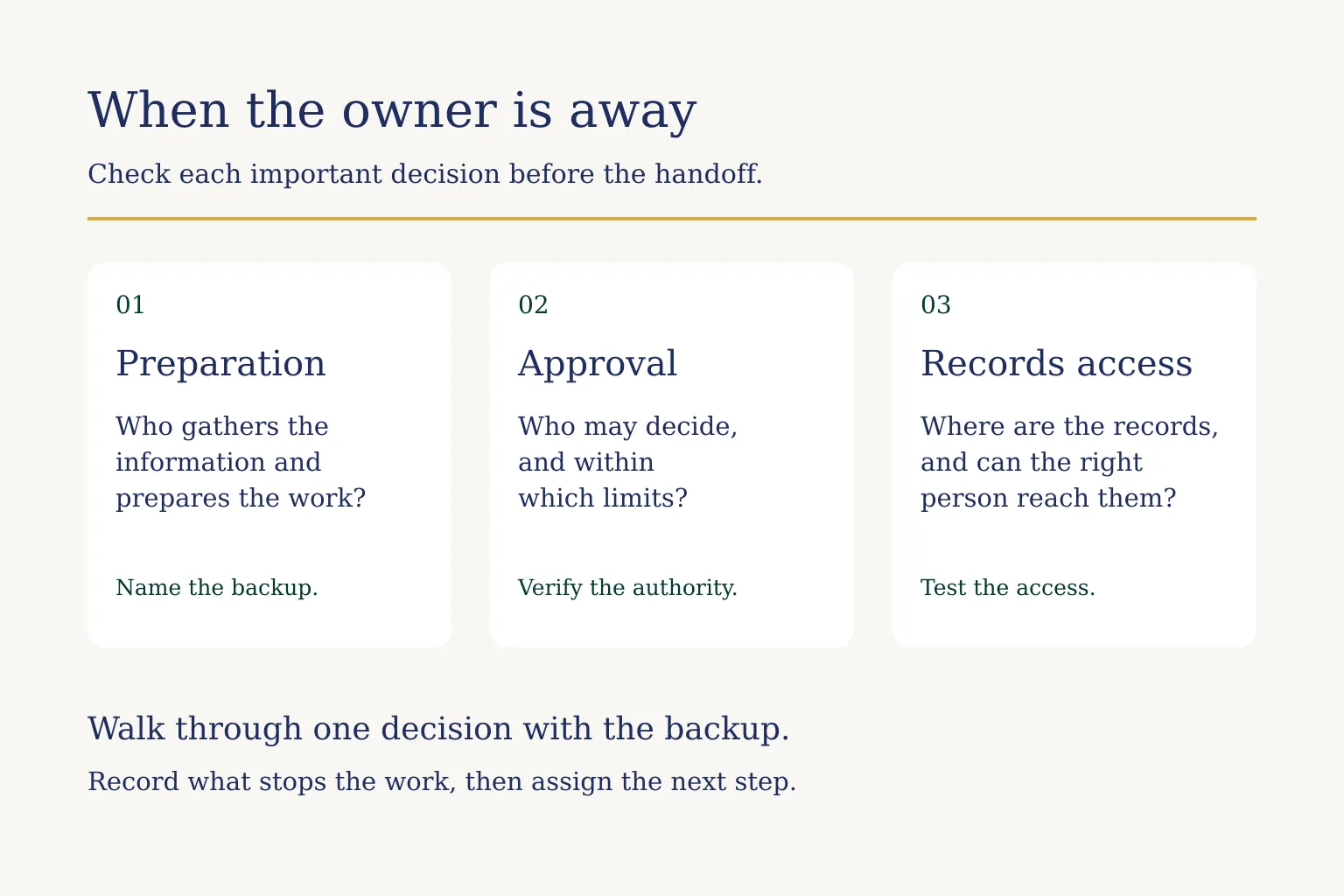
A small business continuity plan checklist should identify the work that must continue, who can handle it, who may approve decisions, where needed records are kept, and how the team will communicate. If an owner is away, preparation, approval authority, and records access need separate checks. Start with one absence scenario, walk through the important decisions with your backups, and assign someone to resolve each gap.
What belongs in a small business continuity plan checklist?
A business continuity plan describes how a business will keep priority work moving, or restore it, during a disruption. For an owner-led business, an owner's absence is one useful scenario to plan for. A full plan also needs to address the other disruptions relevant to your operations, such as a systems outage, an unavailable supplier, or loss of access to your workplace.
Ready.gov's continuity planning guidance, updated March 25, 2026, recommends organizing a continuity team and developing and testing a plan. Its planning process includes prioritizing risks and impacts, developing strategies, and defining teams and tasks. Use the checklist below to begin the owner-absence part of that work.
- Define the absence you are planning for.
- List the work and deadlines that cannot simply wait.
- Name a primary person and backup for each task.
- Verify decision authority and approval limits.
- Locate the records and check permitted access.
- Set the communication and escalation route.
- Walk through the scenario and record what stops progress.
- Assign fixes and review the plan after relevant changes.
1. Define what “the owner is away” means
Write a scenario specific enough to test. “The owner is unavailable” leaves too many questions open. Try: “The owner is away Monday through Friday and cannot be reached for routine approvals.”
Decide whether the scenario involves delayed replies or no replies at all. Identify when it starts, who tells the team, and which responsibilities need coverage. Include an alternate route for issues the designated backup cannot resolve.
An absence plan supports temporary coverage. If your goal is a permanent transfer of ownership or leadership, that raises additional succession questions.
2. List the work that must continue and when it is due
Look at the business calendar rather than writing a list of every possible task. Which obligations fall within the absence? Which missed decisions would stop someone else from doing their work?
Useful entries might include:
- Reviewing payroll before the provider's processing cutoff.
- Approving a customer estimate before its agreed response date.
- Ordering materials needed for scheduled jobs.
- Responding to a customer complaint that the team cannot settle within its normal limits.
Record the actual deadline from the provider, contract, or internal schedule. “Handle payments” is too broad. “Review Tuesday's supplier payment batch before the bank's cutoff” gives a backup something to work with.
3. Separate doing the work from approving it
A person who knows how to prepare a payment, estimate, or contract may not have permission to approve it. Give preparation and approval their own entries, even if the same person currently does both.
For each decision, record:
- Who gathers the information and prepares the work.
- Who currently has authority to approve it.
- What limits or conditions apply.
- Where those requirements can be checked.
- Who takes over if the primary person is unavailable.
Check the relevant company documents, policies, contracts, and provider permissions rather than relying only on a job title. Writing someone's name on a checklist does not establish their authority. Mark an uncertain approval route “Unknown” and assign the verification to someone who can resolve it.
4. Record locations, then test access
A records index points the right person to the information needed for a decision. It should identify record types and locations without copying private contents into a widely shared checklist.
For example, an estimate approval might require the current price list, the customer's scope of work, and the approval policy. Knowing that these are in the Operations folder is only useful if the authorized backup can reach them.
Ask the backup to check access using their own permitted account. Do not solve an access gap by putting passwords, security codes, account numbers, or sensitive customer details in the plan. Have the appropriate administrator arrange the permissions needed for the role.
5. Set a communication route for unresolved decisions
Give the team a clear route for decisions that exceed the backup's limits. State who should be contacted, what information they need, and what the team should do while waiting.
Also name who updates employees, customers, or suppliers when work is delayed. Keep the message practical: what is affected, who is handling it, and when the next update will be provided. If your usual communication system is unavailable, the broader continuity plan needs an alternative channel your team can use.
A worked example: a customer estimate during an absence
Suppose a small installation company has six employees and its owner will be unreachable for one workweek. A customer needs an estimate for a $4,800 job by Thursday. In this example, the company has verified that the operations manager may approve standard estimates up to $5,000, but any nonstandard discount requires the owner.
| Checklist field | Example entry |
|---|---|
| Work and deadline | Send the installation estimate by Thursday afternoon |
| Prepares the work | Estimator drafts scope, materials, and price |
| May approve | Operations manager, for a standard estimate within the verified $5,000 limit |
| Records needed | Current price list, scope notes, and approval policy in the Operations folder |
| Access check | Manager can open the current records using their own account |
| Escalation trigger | Customer asks for a nonstandard discount |
| Holding action | Estimator explains that the discount request needs review and gives the customer the next update date |
The team walks through the estimate before the owner leaves. The manager can open the price list, but the estimator discovers that the scope notes are stored only in the owner's private folder. That is the gap to fix: arrange appropriate access to the required scope information, then repeat the walkthrough.
The $5,000 limit is part of this fictional example, not a recommended limit for your business. Use the requirements that actually apply to your company.
Copy this table for your own decision
Keep a private copy and fill one row for each priority decision. “Unknown” is a useful entry when it comes with a person responsible for checking it.
| Field | Your entry |
|---|---|
| Absence scenario | Dates, availability, and who starts coverage |
| Work and deadline | The specific task and its verified due time |
| Preparation | Primary role and backup role |
| Approval | Authorized role, limits, and where to verify them |
| Records | Types and locations, without sensitive contents |
| Access | Who checked access and what remains unresolved |
| Escalation | Contact route and what happens while waiting |
| Test and next step | Date walked through, gap found, responsible person, and review date |
For a guided starting point, use the private Owner Decision Worksheet to name one decision, separate preparation from approval, and note records locations. Print your notes before leaving the worksheet if you want to keep them.
Test the handoff before relying on it
Ask the backup to explain and walk through the task without the owner supplying missing information. Use a practice scenario rather than sending a real payment or making a live commitment just to test the checklist.
Watch for four common failure points:
- A named backup knows the task but lacks approval authority.
- A records location is correct, but access is missing or the document is outdated.
- A decision exceeds the backup's limits, with no route for resolving it.
- The plan depends on a second person who is also unavailable.
Record the gap, the person responsible for resolving it, and the next review date. Recheck affected entries when roles, approval requirements, systems, or important suppliers change. Ready.gov also provides exercise-planning resources for testing the broader continuity plan.
Choose one priority for a clearer handoff
You bring the vision. We organize the structure around it, one clear decision at a time. For your business or family purpose, see Wealth Cycle Blueprint™ details with Minister Sam. Organizing a ministry or faith-based mission instead? See Ministry Continuity Blueprint™ details. These are education and planning maps; proposed legal, tax and financial changes need review by appropriate licensed professionals.